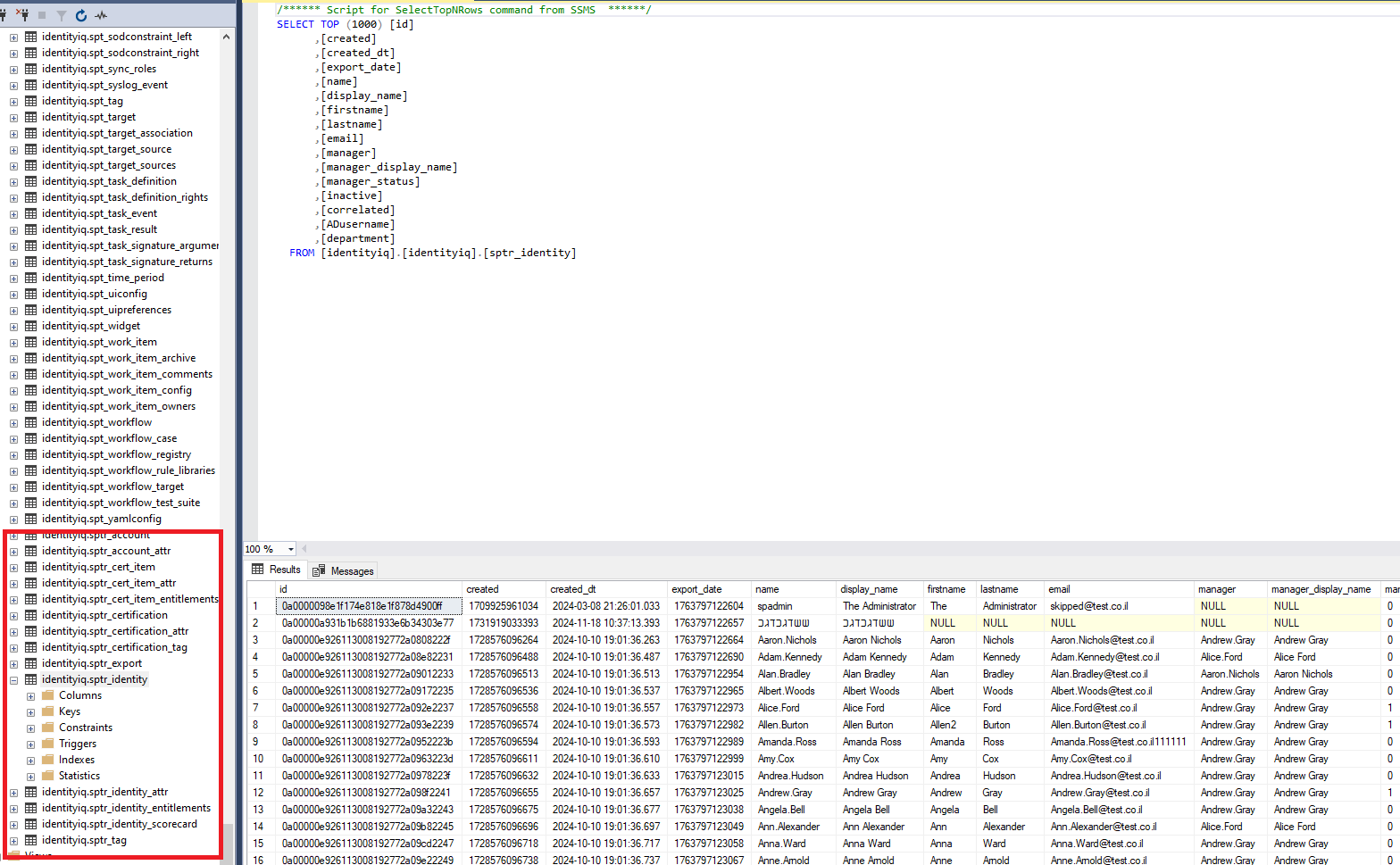
IIQ enable you to export data such as identities, accounts, entielemnts, certifications to side tables on IIQ DB, this way 3rd parties can pull data from those tables without having access to other IIQ tables.
1. go to Global Settings -> Data Extract Configuration - Enable (make sure it is chekced)
2. create new task - "data export"
3. in Data source parameters fille your current IIQ DB connection details. (you can copy url from iiq.properties file)
4. click 'Generate table Creation SQL', and run it on the IIQ DB to create SPTR tables. (SPTR table are the data export tables)
5. run task
* you can schedule the task for once a day or more to udpate tables.
there you go, here is result of identities table creation